Introduction to Open OnDemand
Open OnDemand (OOD) is a web-based portal that gives you access to ACE HPC directly from your browser — no terminal, no SSH client, and no VPN required. Everything you would normally do over SSH or a terminal emulator is available through a point-and-click interface, including browsing your files, submitting jobs, opening a shell, and launching interactive applications like RStudio or Jupyter.
The portal is available at https://ondemand.ace.ac.ug. You will need an active ACE HPC account to log in.
Why use Open OnDemand?
Open OnDemand is particularly useful when you:
- Are new to HPC and not yet comfortable with the command line
- Want to run an interactive analysis in RStudio or Jupyter without writing a job script
- Need to upload or download files without setting up
scpor FileZilla - Are working from a machine where you cannot install an SSH client
- Want a quick shell session without configuring SSH keys
For power users, Open OnDemand complements the traditional SSH workflow — you can use the file manager and interactive apps through the browser while still submitting batch jobs over SSH when needed.
What is available on the portal?
The portal exposes the full ACE HPC cluster through five main areas:
| Section | What it does |
|---|---|
| Files | A graphical file manager for your home and scratch directories |
| Jobs → Active Jobs | Live view of all jobs you have running or queued in SLURM |
| Jobs → Job Composer | Create and submit SLURM job scripts through a form |
| Clusters → Shell Access | A full terminal session inside your browser |
| Interactive Apps → RStudio Server | RStudio IDE running on a compute node, streamed to your browser |
| Interactive Apps → Jupyter Notebook | Jupyter Notebook or JupyterLab running on a compute node |
How to access the portal
-
Open a browser and navigate to https://ondemand.ace.ac.ug
-
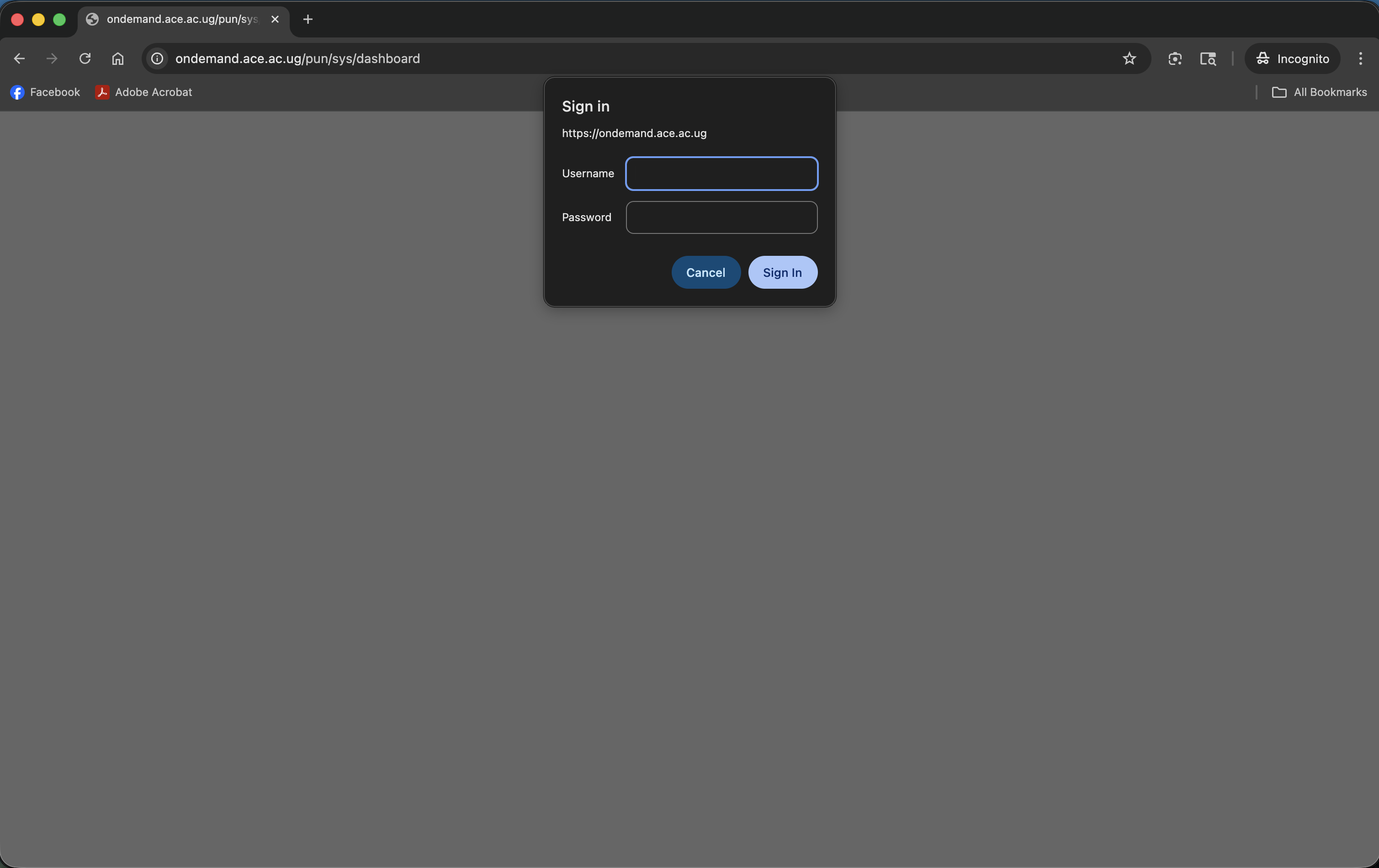
Log in with your ACE HPC username and password
-
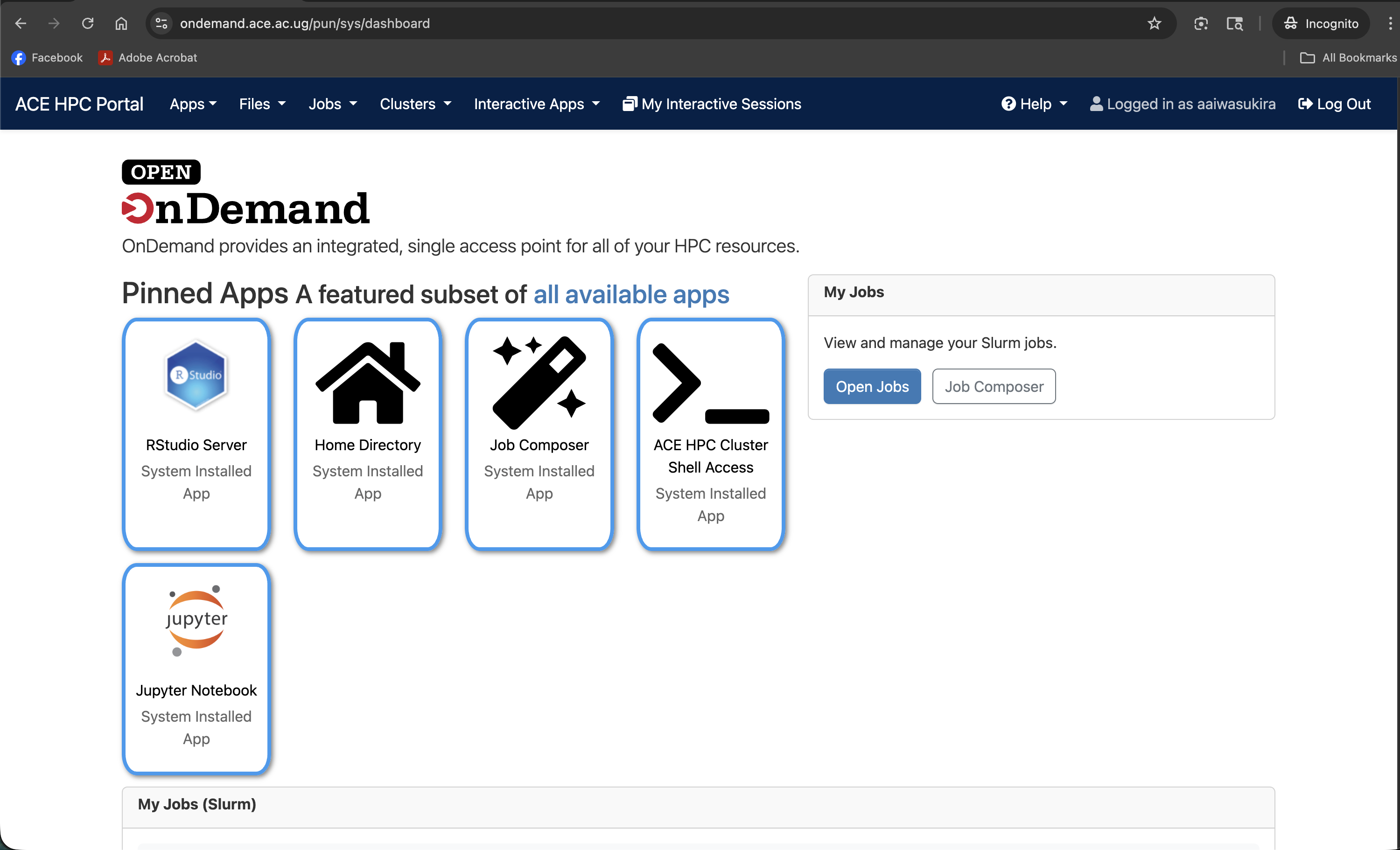
You will be taken to the Dashboard — the home screen of the portal
Prerequisites
Before using Open OnDemand, you need:
- An active ACE HPC account — see Requesting an Account if you do not have one yet
- A modern web browser (Chrome, Firefox, Edge, or Safari — all work)
- No additional software installation is required
Tutorial Roadmap
This section walks you through every part of the portal in detail:
| Page | What you will learn |
|---|---|
| The Dashboard | Layout, navigation bar, pinned apps, and announcements |
| File Manager | Browsing, uploading, downloading, and editing files |
| Job Management | Viewing active jobs and composing new batch submissions |
| Shell Access | Opening a terminal in the browser |
| RStudio Server | Launching and using RStudio on a compute node |
| Jupyter Notebook & Lab | Launching and using Jupyter on a compute node |